/
Restrict access to Customers' E-commerce
Restrict access to Customers' E-commerce
- Former user (Deleted)
- Andres Toledo
Owned by Former user (Deleted)
Last updated: Dec 04, 2023 by Andres Toledo
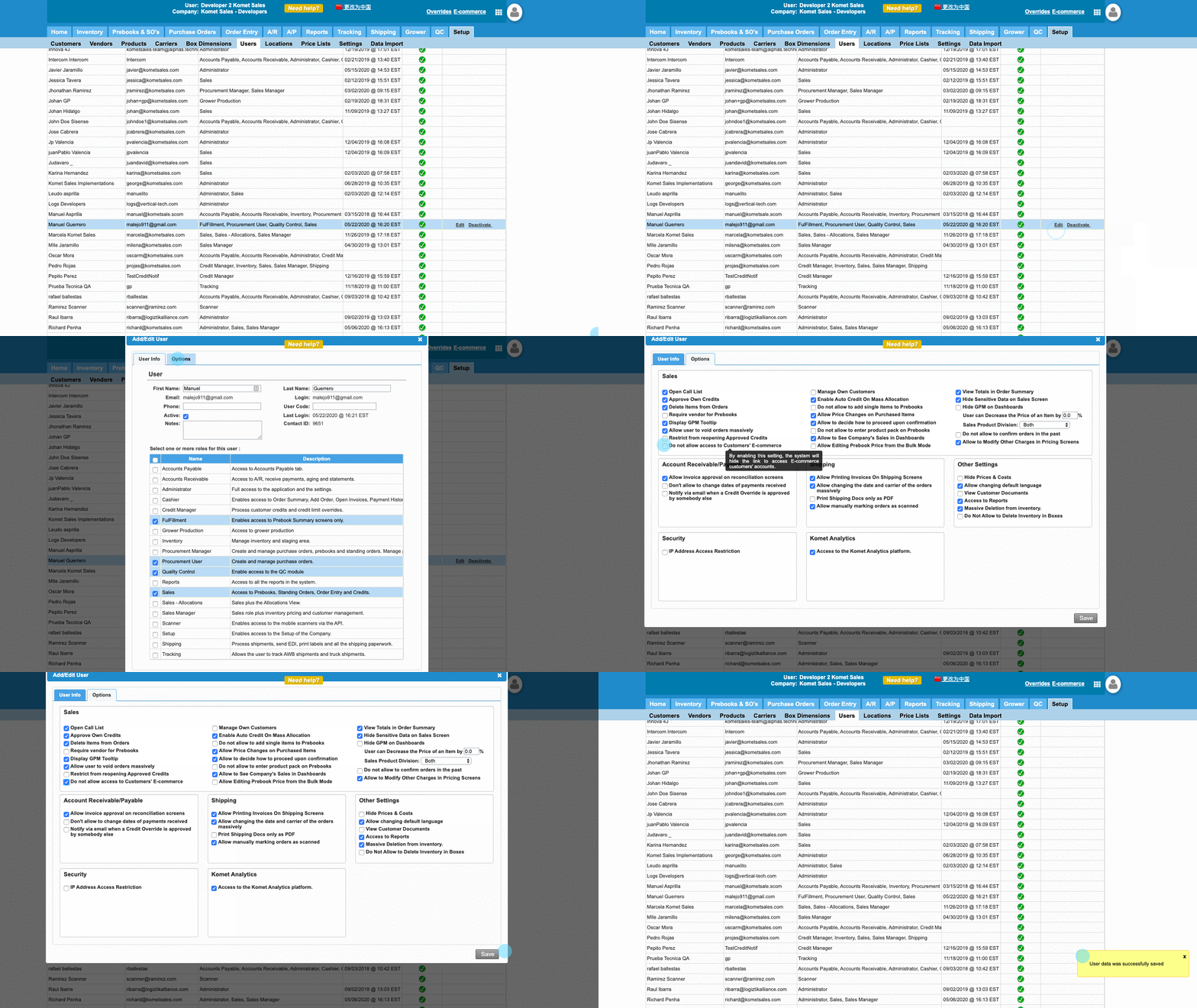
This option allows restricting certain users from opening e-commerce customers' accounts.
Context
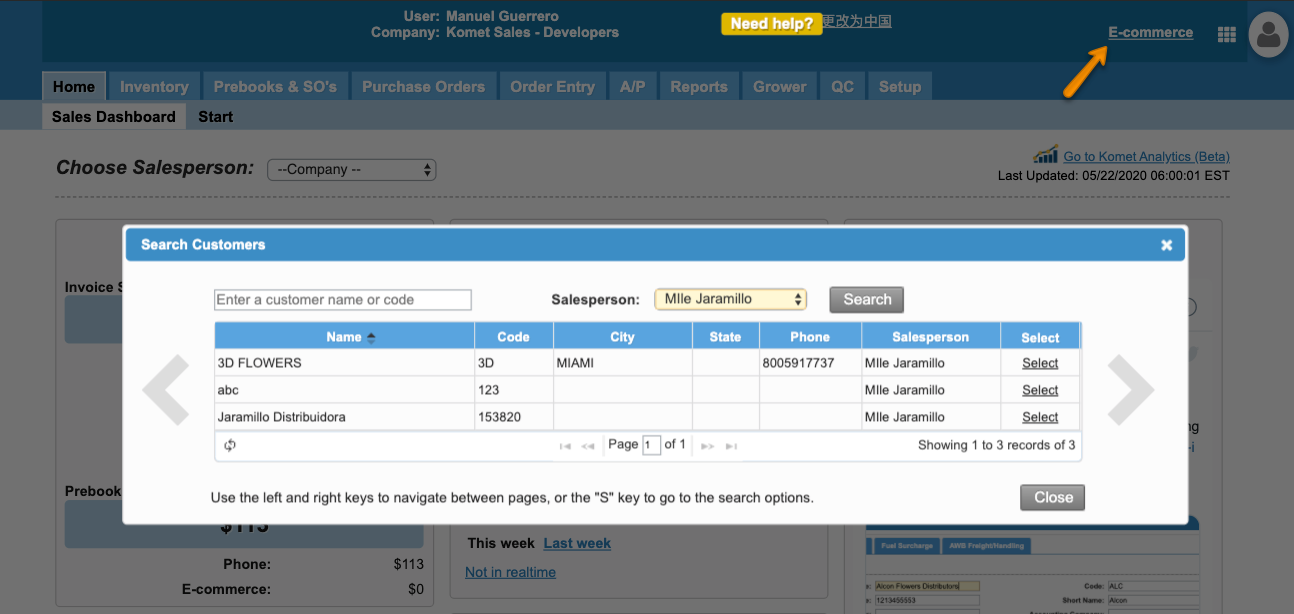
The system by default allows users with sales roles to access the e-commerce customer's accounts. If you want to restrict users from accessing e-commerce, follow the steps explained below
Instructions
Related Articles
We've encountered an issue exporting this macro. Please try exporting again later.
, multiple selections available,
Related content
Restrict Salespeople to their Customers
Restrict Salespeople to their Customers
More like this
Add Users to Your E-Commerce
Add Users to Your E-Commerce
More like this
Restrict Credit Card Access
Restrict Credit Card Access
More like this
Restrict Credit Card Payments
Restrict Credit Card Payments
More like this
Settings - E-Commerce
Settings - E-Commerce
More like this
Hide Sensitive Data on Sales Screen
Hide Sensitive Data on Sales Screen
More like this