/
Hide Prices And Costs
Hide Prices And Costs
- Former user (Deleted)
- Andres Toledo
Owned by Former user (Deleted)
Last updated: Dec 04, 2023 by Andres Toledo
Overview
In case you hide the costs & prices for a given user, this option may be helpful. Once enabled, the system will hide prices and costs on the Standing Orders, Prebooks, Inventory & Order Entry screens. This option will also restrict users from downloading reports and documents.
Instructions
How does this option work
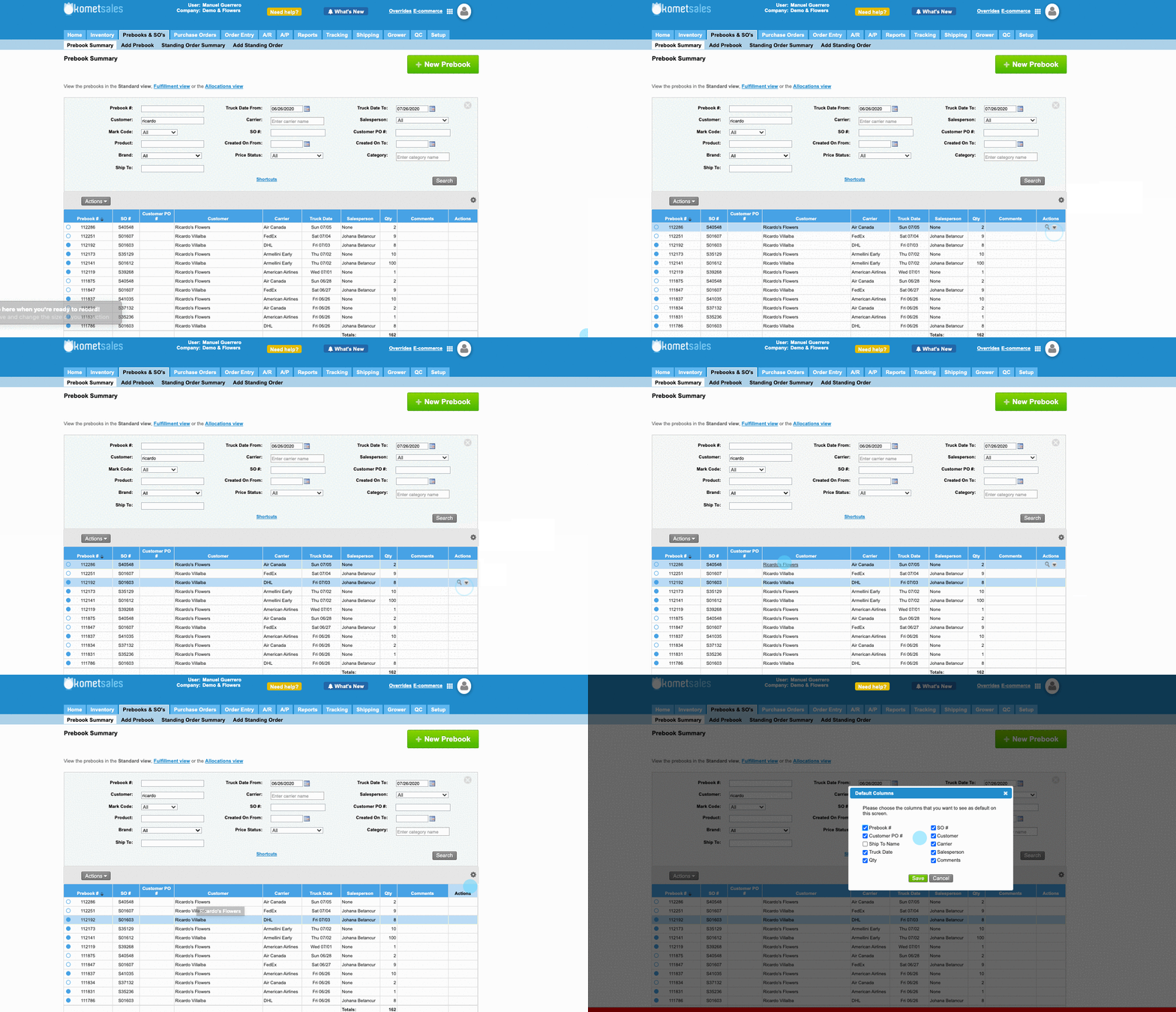
Once enabled, prices and costs of prebooks, standing orders and order will be hidden. Notice that the system also hides the print option.
Related Articles
We've encountered an issue exporting this macro. Please try exporting again later.
, multiple selections available,
Related content
Using Price Lists
Using Price Lists
More like this
Allow to Modify Other Charges in Pricing Screens
Allow to Modify Other Charges in Pricing Screens
More like this
Price Overrides
Price Overrides
More like this
Price Lists for Future Sales
Price Lists for Future Sales
More like this
Hide Inventory From Sales Screens
Hide Inventory From Sales Screens
More like this
Create a Prebook without Sales Price
Create a Prebook without Sales Price
More like this